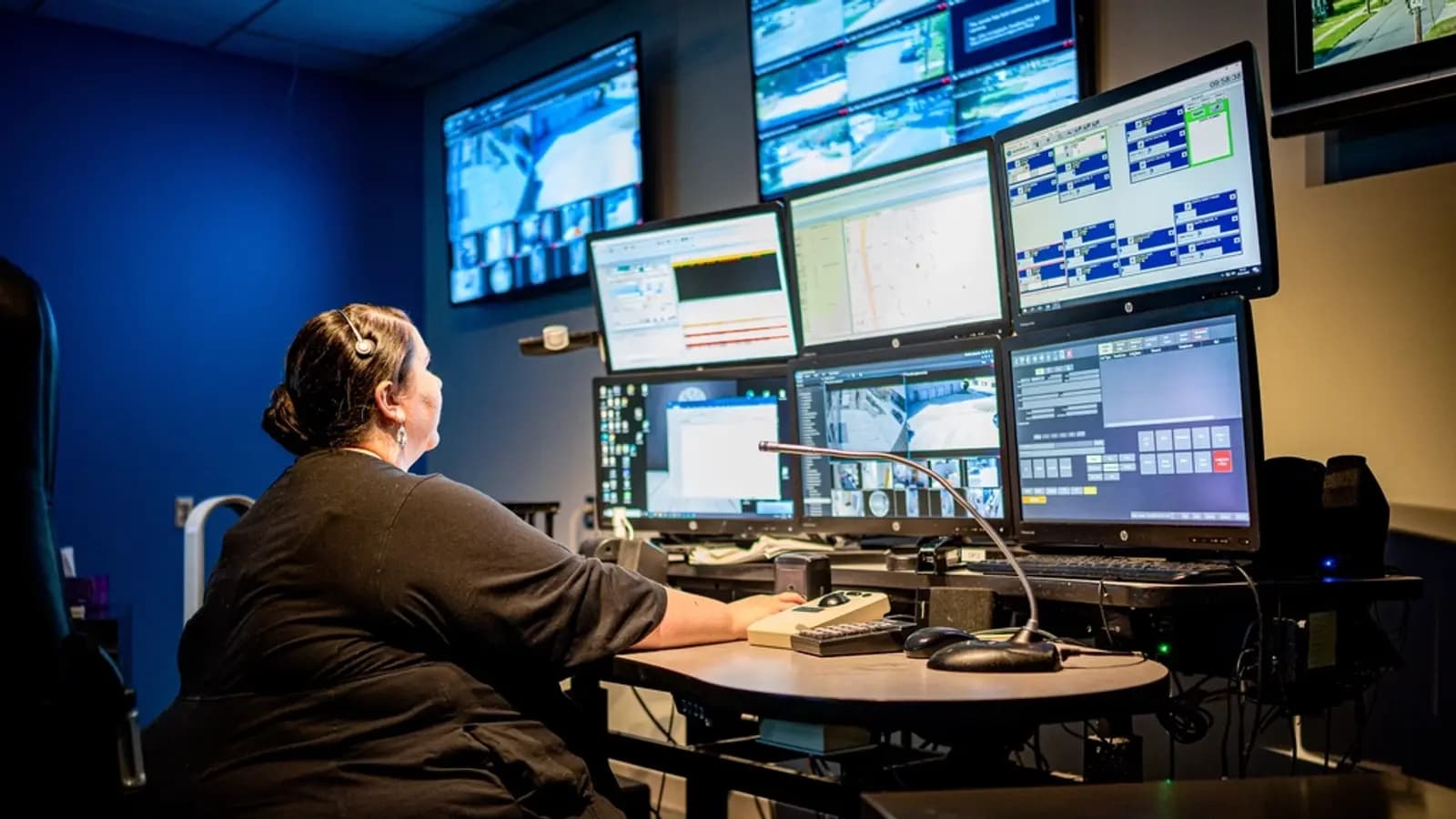
Before the ViciDial agent screen: logging in
A new fronter's first ten minutes on the ViciDial agent screen are mostly logging in. There are usually two steps. First the phone login and phone password, which tell ViciDial which softphone or WebRTC phone belongs to this seat. Then the user login and password, which identify the person, followed by a choice of campaign from a dropdown.
If the softphone is not registered, ViciDial cannot call the agent's phone to connect them to the session, and the screen will sit there waiting. Most first-day problems are this. Check the softphone shows as registered before blaming the dialer. Labels and layout differ between versions and depend on what your admin has switched on, so treat this guide as a map rather than a pixel-perfect picture.
Pause, resume and pause codes
After login the agent starts paused. Nothing will ring until they click resume (on many screens the button reads as a status indicator showing whether the agent is paused or active). Once active, the dialer sends calls as they connect. In predictive or ratio mode the agent does not dial anything. Calls simply arrive.
When a fronter needs a break, they pause. Many floors require a pause code, a short reason like break, lunch, training or meeting. Your floor manager uses those codes in the agent time reports to see who was really on the phones between 9 p.m. and 1 a.m. PKT, the middle of the US East Coast day. Teach new hires to pause before taking off the headset, not after. An active agent who walks away gets a call, says nothing, and the customer hears dead air.
Pause time is also where floors lose the most hours without noticing. Ten minutes of extra pause per agent per shift sounds small. Across thirty agents and a month of shifts, it is a lot of dialing time. A floor manager who checks the pause report daily, and asks about it kindly, usually gets most of that time back.
The lead panel, script tab and call buttons
When a call connects, the lead panel fills in. Standard fields include first name, last name, address, city, state, postal code, phone number, alternate phone, email and a comments box. Campaigns often add custom fields for things like Medicare Part A and B status, household size, current carrier or monthly electric bill.
Two habits matter here. First, read the state field before you open your mouth on a campaign with state restrictions. Second, update the fields as you qualify. If the caller says they moved, change the address. Closers see those fields after the transfer, and a closer who greets a caller with the wrong name or state has lost the call in five seconds.
The script tab shows the campaign script, often with the lead's name and state filled in automatically. Some floors also use a web form button that opens a separate CRM or lead form in a new tab, carrying the lead's details across.
The hangup button ends the call with the customer and takes the agent to the disposition screen. Park puts the caller on hold with music, which is useful for a few seconds while checking something, but should not be used to stall a caller waiting for a closer. In manual or preview campaigns there is also a dial next number button, which the agent clicks to dial the next lead in the hopper.
A useful rule for new fronters: never hang up and redial a caller from your own phone. Everything should go through the agent screen, so the call is recorded, logged and dispositioned against the right lead.
Callbacks deserve a word. When a caller asks to be called back, the agent sets a callback with a date and time, and can usually choose whether it comes back to them personally or to anyone on the campaign. Personal callbacks only work if the agent is logged in at that time. Remember the time zone. A caller in California who says "call me at 6" means 6 p.m. Pacific, which is 6 a.m. PKT the next morning during US daylight time. Check what time zone your callback screen uses before you rely on it.
Transfers and conferences: the panel that decides your transfer rate
The transfer and conference button opens a panel with several options. Exact labels vary, but most floors use a version of the following:
- Local closer: sends the call to an in-group, usually your closer queue, so whichever closer is free picks it up
- Number to call plus dial with customer: brings a third party in while the customer stays on the line, which is a warm transfer
- Park customer dial: holds the customer while the agent dials the third party first, so they can brief the closer privately
- Leave 3-way call: the fronter drops off once the closer and customer are connected
- Hangup transfer line: ends the closer leg if it went wrong, keeping the customer with the fronter
- Blind transfer: sends the call on without staying to introduce it
How a clean warm transfer sounds
Most US insurance buyers want warm transfers, where the fronter stays on until the closer answers and introduces the caller. A blind transfer that lands in a queue with nobody answering is the fastest way to get a closer complaining that your transfers are junk. Here is a sample handoff a fronter can use once the closer picks up:
"Hi, this is Sara with the enrollment line. I have Mr. Thomas here from Ohio, he is on Medicare Parts A and B and wants to review his options. Mr. Thomas, I am handing you to my colleague now. Have a good day." Then the fronter clicks leave 3-way call. Short, with the facts the closer needs, and no second pitch.
If the closer queue is not answering, the fronter keeps the customer, apologizes once, and tries again or sets a callback. Our post on warm transfer rules covers what closers actually want from that handoff.
The disposition screen
After every call the agent picks a disposition, a status code that says how the call ended. Your admin sets the list per campaign. Common ones include sale or transfer, not interested, do not call, callback, no answer, answering machine, busy, wrong number and disconnected number. Floors running lead-gen often add their own, such as not qualified or language barrier.
Dispositions are not paperwork. They decide whether the lead is dialed again, when, and whether the number goes onto your internal DNC list. A fronter who marks a do-not-call request as not interested may get that person called again next week, which is a compliance problem, not a reporting one. Check with your compliance counsel which statuses your campaigns must use.
- Do not call requests always get the DNC status, even if the caller was rude
- Callback is only for callers who asked for one, with a time set
- Answering machine and no answer go back into the dial cycle, so mark them honestly
- Transfer or sale is only for calls where the closer actually picked up
A first-shift checklist for new fronters
Floor managers can print this and tape it next to a new fronter's screen for the first week. It covers the mistakes that cost the most transfers and the most complaints.
- Softphone registered before logging in to the agent screen
- Pause with a code before leaving the desk, every time
- Read the name and state before speaking
- Update any field the caller corrects
- Warm transfer only: stay on until the closer speaks
- Never leave a caller in park while waiting for a closer
- Pick the disposition that matches what actually happened
- Do not call means DNC status, no exceptions
When the fronter is a bot
B3 Voice bots work the same screen logic without a screen. They log in as agent users on your ViciDial campaign, take connected calls, qualify, run the warm transfer to your closer in-group and set a disposition on every call. Calls a bot handles show up in your normal ViciDial reports, and the B3 Voice dashboard adds a live transcript of each one. The fronter bot page explains what it asks and when it hands over.