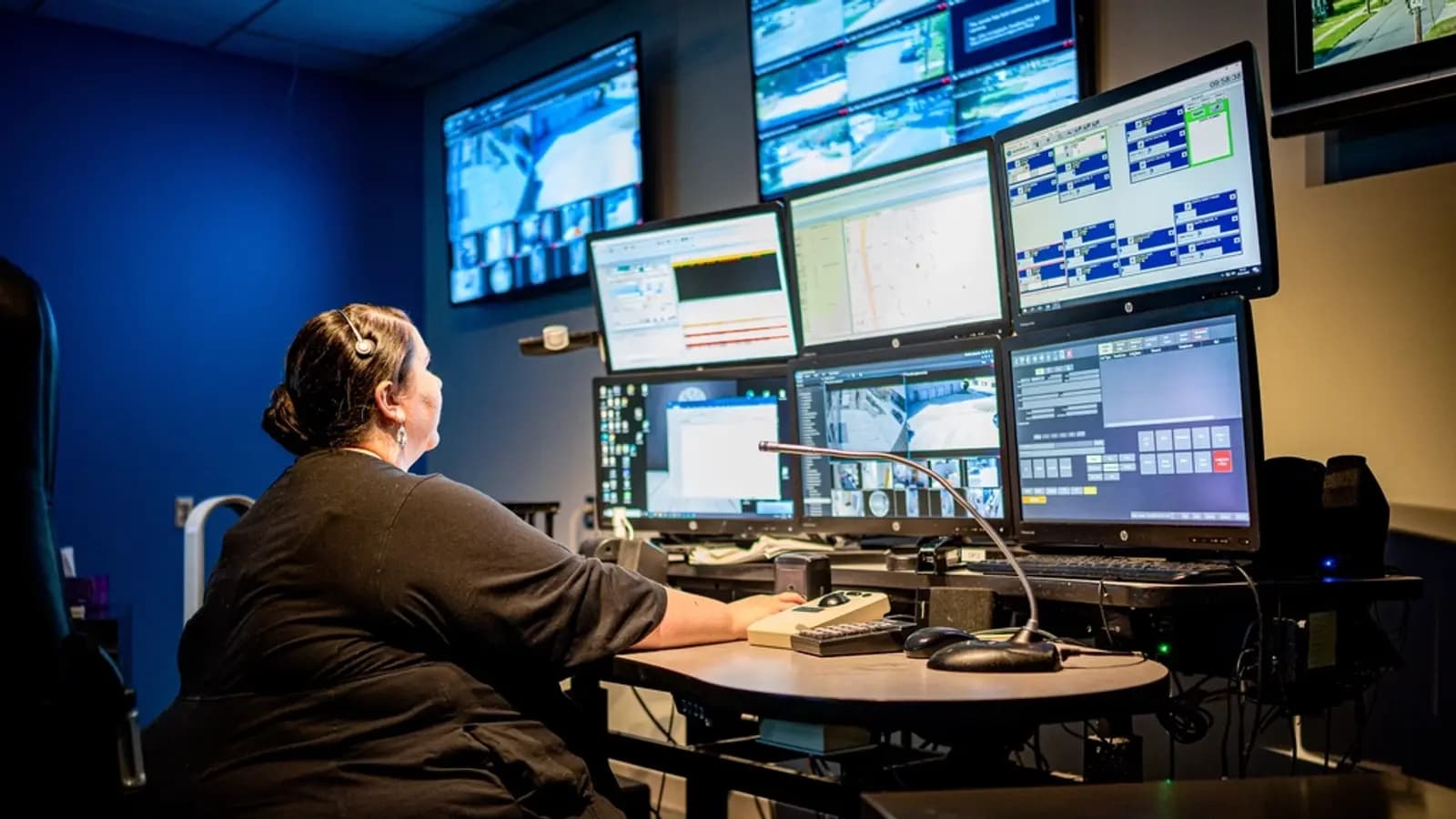
Choosing a dialer for call center work starts with the campaign
Picking a dialer for call center work goes wrong when owners start with feature lists. Start with the work instead. A Medicare fronting floor dialing aged leads during AEP needs very different pacing from a solar appointment-setting team working fresh web leads, and both differ from an inbound customer service desk. Write down your campaigns, your seat count now and in six months, and whether you transfer to your own closers or to a buyer.
That one page will rule out half the market. A call center dialer that is excellent at inbound routing may be weak at outbound pacing. One built for US-based teams may have support hours that end just as your shift starts at 6 p.m. PKT or 6:30 p.m. IST. Knowing what you need lets you ask sharper questions in the demo.
Dialing modes: what each one is for
Every outbound dialer offers some mix of modes. Manual and preview modes let the agent see the lead and decide when to dial, which suits high-value or regulated calls. Progressive or power modes dial one or a few lines per free agent. Predictive modes dial more lines than there are agents and use statistics to guess when an agent will be free. Our explainer on auto, predictive, power and progressive dialing has the detail.
For most lead-gen fronting floors, predictive is where the volume comes from, and the setting that matters most is how the dialer keeps abandoned calls in check. Ask to see the dial ratio controls and the drop-rate limit on a live system. A dialer that cannot show you how it caps abandons is not ready for US outbound.
Compliance settings you should see in the demo
No dialer makes you compliant. It gives you settings, and your team has to use them correctly. US rules on calling hours, consent, the national DNC registry and abandoned calls apply to calls made from Pakistan and India just as they do from Texas. The details belong with your compliance counsel, but the dialer should at least make the right thing easy.
- Call times by the lead's state or time zone, not by your office clock
- Internal DNC lists that block a number the moment an agent marks it, across all campaigns
- Support for scrubbing against the national registry and state lists before upload
- A drop or abandon-rate cap per campaign, with a report that shows the rate over time
- A safe-harbor message option for calls that connect with no agent free
- Call recording on every call, with retention you control
- Caller ID controls per campaign, so you can rotate and retire numbers
Reporting the owner will actually open
A floor manager lives in the real-time screen: who is on a call, who is paused, how many calls are waiting, how many lines are dialing. An owner wants a different view, usually at the end of the shift: transfers per agent per hour, connect rate per list, disposition counts, drop rate and talk time. Ask the vendor to show both views with real data, not a sales mock-up.
Check whether you can export raw call logs. Sooner or later a buyer will dispute a batch of transfers, or a carrier will ask about a complaint, and you will need the call-level detail with timestamps and recordings. If the dialer only gives you summary charts, you will be stuck.
Watch for how the reports define a transfer. Some count every attempt, others only the ones a closer accepted. If your buyer pays per accepted transfer and your dialer counts attempts, your numbers and theirs will never match, and every invoice turns into an argument.
Integrations: CRM, web forms and bots
Most floors connect the dialer to at least one other system: a CRM, a lead source that posts new leads in real time, a buyer's ping-post system or a web form the closer fills in. Ask how leads get in (file upload, API, real-time posting) and how results get out (API, webhook, export). Ask whether custom fields carry through a transfer, so the closer sees what the fronter collected.
If you plan to use AI fronters or verifiers, ask how they connect. Some dialers sell their own virtual agents. Others, like ViciDial, accept outside bots that log in as agent users. Our dialer integration page explains how B3 Voice connects, and the integrations list shows what is supported today.
Hosting and the cost model
Dialers come in two broad shapes. Hosted dialers run in the vendor's cloud and charge per seat per month, sometimes with minutes bundled or billed separately. Self-hosted dialers like ViciDial are free or licensed software you run on your own or a rented server, with carriers you pick. The first is easier to start. The second usually costs less at scale but needs someone to run it. We compared the two for ViciDial in our pricing breakdown and in our guide to cloud dialers for BPOs.
Whichever shape you pick, ask how you pay. Many US vendors expect a card or a US bank account. Floors in Pakistan and India often need wire transfer, and some vendors handle that badly. Ask too what happens to your seat price when you add twenty agents for AEP and drop them in January.
If you are comparing a hosted dialer against self-hosted ViciDial, put both into the same spreadsheet with the same seat count, the same minutes and the same support hours. Owners often compare a hosted dialer's all-in price against ViciDial's server price alone, which makes ViciDial look far cheaper than it is. Count the admin, the carrier and the DIDs on both sides.
Questions specific to floors in Pakistan and India
Most dialer reviews are written for US buyers. A floor in Lahore or Ahmedabad has a few extra questions that rarely appear on a vendor's comparison page.
Support hours come first. Your US Eastern shift runs from about 6 p.m. to 3 a.m. PKT, and later still if you cover the Pacific time zone. A vendor whose support desk opens at 9 a.m. Eastern is answering when your floor is already halfway through its night. Ask for a named contact and a phone number that works at 1 a.m. your time, and test it during the trial.
Audio quality across the ocean comes second. Ask where the vendor's servers sit and run a week of test calls on your own internet during the real shift. Closers hear lag and clipping long before a report shows anything, and a closer who says "I can't hear your transfers" will stop taking them.
Currency and billing come third. A per-seat dollar price looks different every time the rupee moves. Ask whether the vendor accepts international wire, whether they need a US entity to sign, and whether the price is fixed for the contract. Some floors also need invoices that suit their local accountant, which is a small thing until tax season.
Finally, ask who owns your caller IDs. Floors that rent DIDs through the dialer vendor sometimes find they cannot take those numbers with them when they leave, along with whatever caller ID reputation they built.
A buyer checklist for your next demo
Bring this list to every dialer demo and score each answer from one to three. Ask the vendor to show, not tell, wherever possible.
- Show me predictive pacing and the abandon-rate cap on a live campaign
- Show me call times set by the lead's state
- Show me what happens when an agent marks a number do-not-call
- Show me a warm transfer to a closer queue, with custom fields carried across
- Export one day of raw call logs with recordings for me
- What are your support hours in PKT or IST, and how do I reach a person at 2 a.m.?
- Who owns the DIDs, the data and the recordings if I leave?
- What is the full monthly cost for my seat count, including minutes, numbers and add-ons?
- Can I connect outside AI bots, and how?